Linux Backup Support
Backup with GUI
Web-based Graphical User Interface (GUI) for easy backups.
- View and manage any number of computers remotely.
- Simultaneous backup for multiple Linux machines.
- Easy-to-use UI that requires no additional training or use of scripts for backup.


Remote Management
Access and manage your Linux machines from the centralized web console
- Schedule backups, manage backup settings, etc., remotely.
- View real-time backup status like backup time, latest backups, etc.
- Access and restore data anytime from the centralized web console.
Secure data of your Linux machines for Disaster Recovery.
-
Backup After full initial backup, subsequent backups are incremental and only modified portions are backed up.
-
Restore Perform simultaneous restore for multiple machines to recover data quickly.
-
Ransomware Protection Secure against data loss with 256-bit AES-encrypted backup, additional security of a private key, and snapshot restore.
-
Compliance IDrive® 360 meets all the regulatory requirements such as HIPAA, GDPR, SEC/FINRA.
Overview of Linux Backup
-
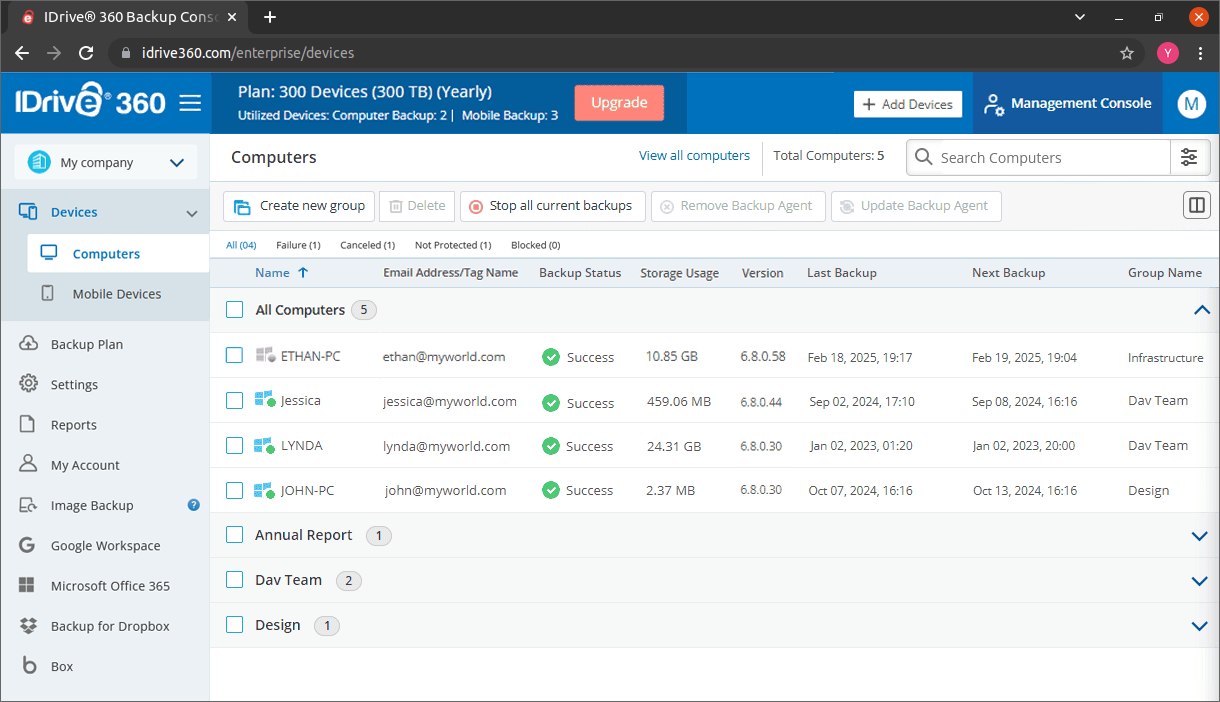
Devices
View all the computers of your unit and groups, monitor their backup storage utilization.
-
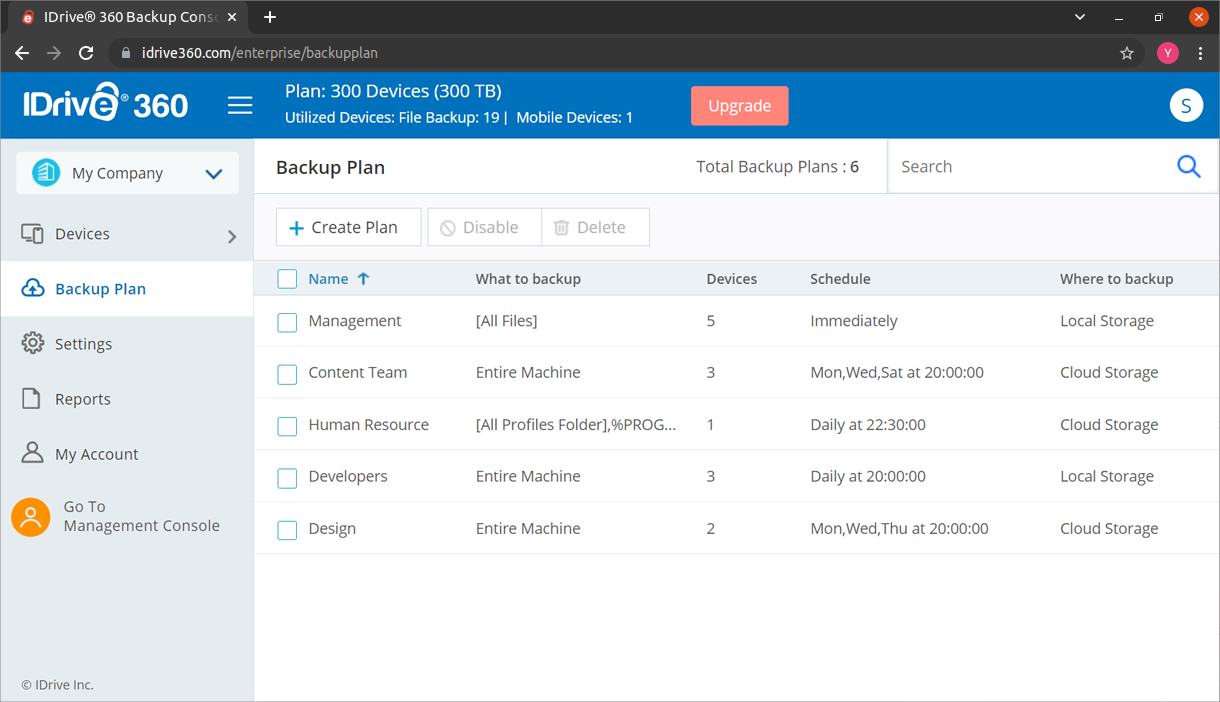
Backup Plan
Create policies for what to backup, where, when and push the plan to selected computers.
-
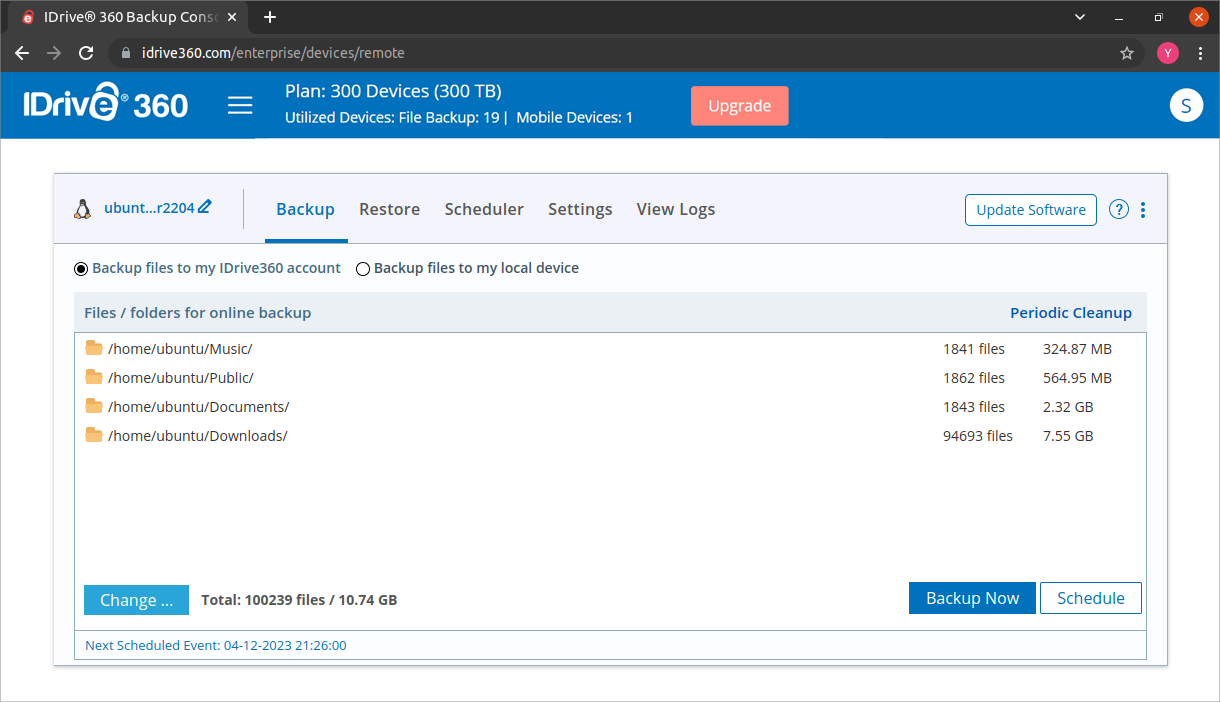
Remote Management
Perform immediate backup or restore files from cloud, remotely.
-
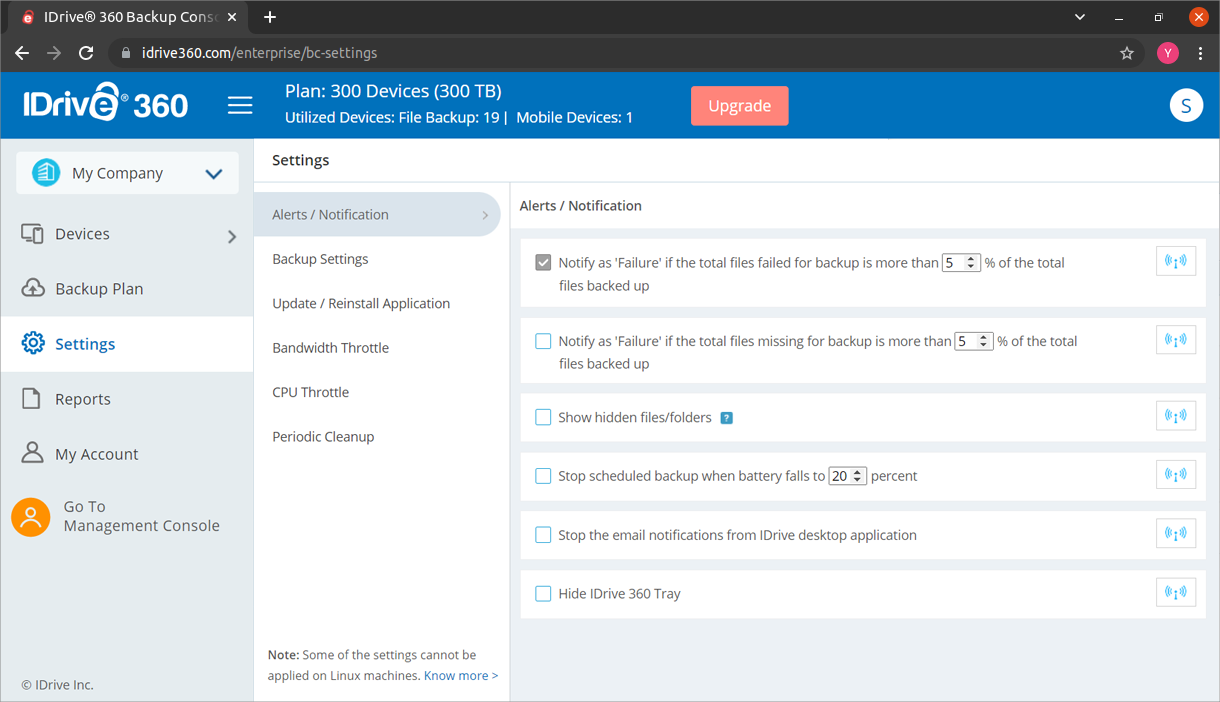
Settings
Manage backup settings, email notification preferences, backup frequency, cleanup, etc.
-
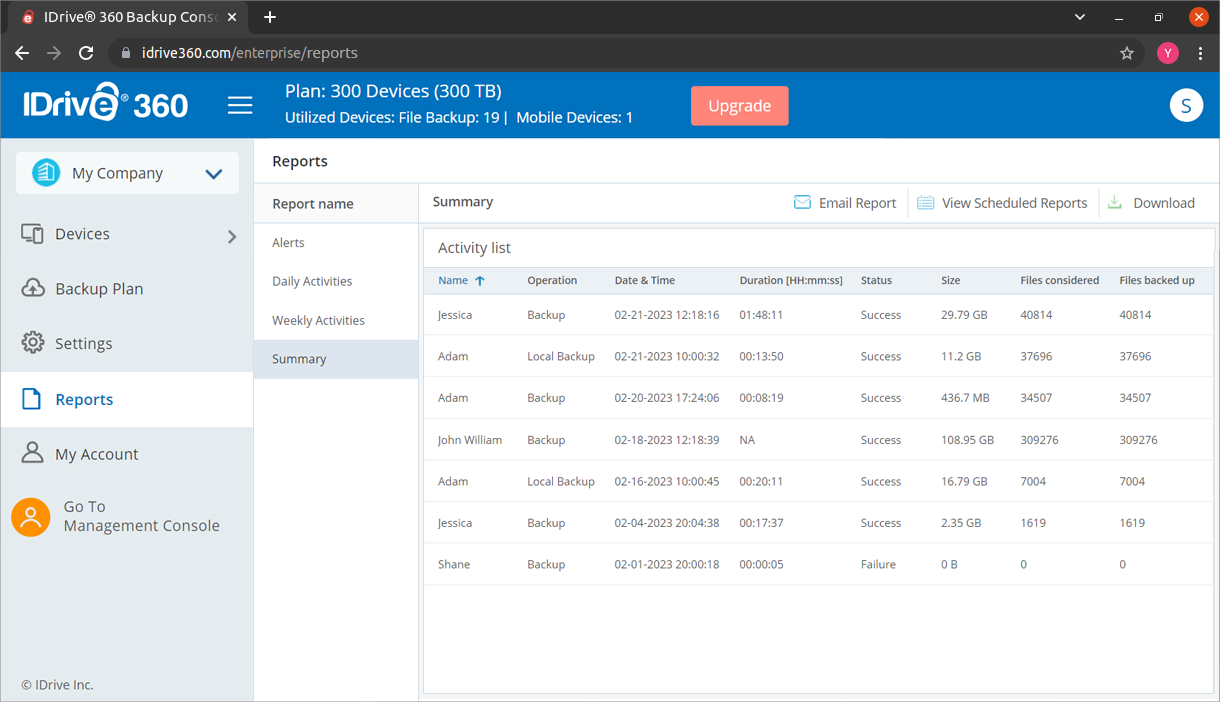
Reports
Get daily and weekly status of your backups along with a summary.
System Requirements
Debian-based:
- Ubuntu 19 and above
- Linux Mint 20 and above
- Debian 10 and above
RPM-based:
- CentOS 8 and above
- Fedora 33 and above
Note: Crontab, curl & tar must be installed before installing the Linux packages.